
CBSE 12th Result 2026: Where to check online and how to download step by step
CBSE Class 12 Result 2026 is expected to be announced online, and students will be able to check their scores on official websites and apps. With lakhs of students waiting, the result link will be active soon on CBSE's official result portals.
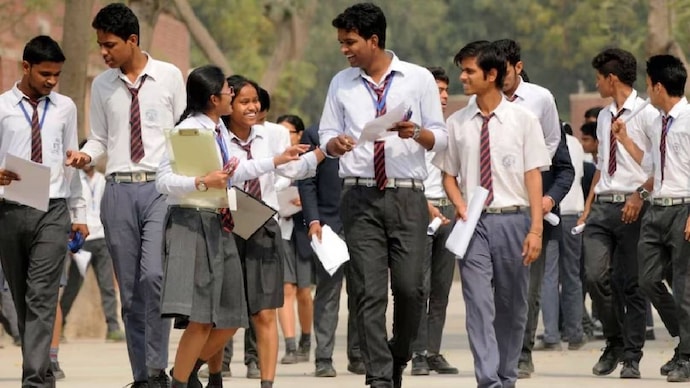

The CBSE Class 12 results are among the most anticipated academic milestones for students across India. Every year, lakhs of students wait for the Central Board of Secondary Education (CBSE) to declare the results, which play a crucial role in higher education admissions and career decisions.
For 2026, students can expect the results to be released online through multiple official platforms, ensuring easy and quick access. This year, the result is awaited by over 20 lakh students.
Below is a complete guide on where to check the CBSE 12th Result 2026 and how to download the marksheet step by step.
CHECK CBSE CLASS 12 RESULT 2026 LIVE UPDATES HERE
WHERE TO CHECK CBSE CLASS 12TH RESULT 2026 ONLINE
Students will be able to access their CBSE Class 12 results through the following official websites and digital platforms:
CBSE official results website: cbseresults.nic.in
CBSE academic portal: cbse.gov.in
DigiLocker platform: digilocker.gov.in
UMANG mobile app (available for Android and iOS)
These platforms are officially recognised by CBSE and ensure secure access to result data. Students are advised to avoid unofficial websites to prevent misinformation or delays.
STEP-BY-STEP GUIDE TO CHECK CBSE 12TH RESULT 2026
Follow these simple steps to check your result online:
Step 1: Visit the official CBSE result website – cbseresults.nic.in
Step 2: Click on the link that says “CBSE Class 12 Result 2026”
Step 3: Enter your required details such as roll number, school number, and admit card ID
Step 4: Click on the “Submit” button
Step 5: Your result will appear on the screen
Step 6: Download and take a printout for future reference
Students should carefully verify all details mentioned on the marksheet, including name, subject-wise marks, and total score.
HOW TO DOWNLOAD CBSE 12TH MARKSHEET VIA DIGILOCKER
Apart from the official website, CBSE also provides digital marksheets through DigiLocker, which is a secure government platform.
Step 1: Log in to your DigiLocker account using your registered mobile number
Step 2: Navigate to the “Issued Documents” section
Step 3: Select CBSE from the list of issuers
Step 4: Click on “CBSE Class 12 Marksheet 2026”
Step 5: Download and save the document for future use
The DigiLocker marksheet is digitally verified and can be used for college admissions and documentation purposes.
In case of a discrepancy, contact your school or CBSE regional office immediately.